The Phone In The Carer's Pocket. The Window In The Family's Hand.
Two apps share one live care record. Carers arrive knowing exactly what the visit needs and record it at the door; families see the same day unfold — who came, what was given, what was written. Every entry carries a name and a time.
Free For Carers And Families · Device Authorised By The Office · PIN-Secured
The Carer App — A Working Day That Records Itself
Free on iPhone and Android · for every carer at a Carelo company
1 / 12
Every Screen A Carer Actually Uses
Twelve screens from the live app. Tap any line — or let it play.
A Working Day That Runs Itself
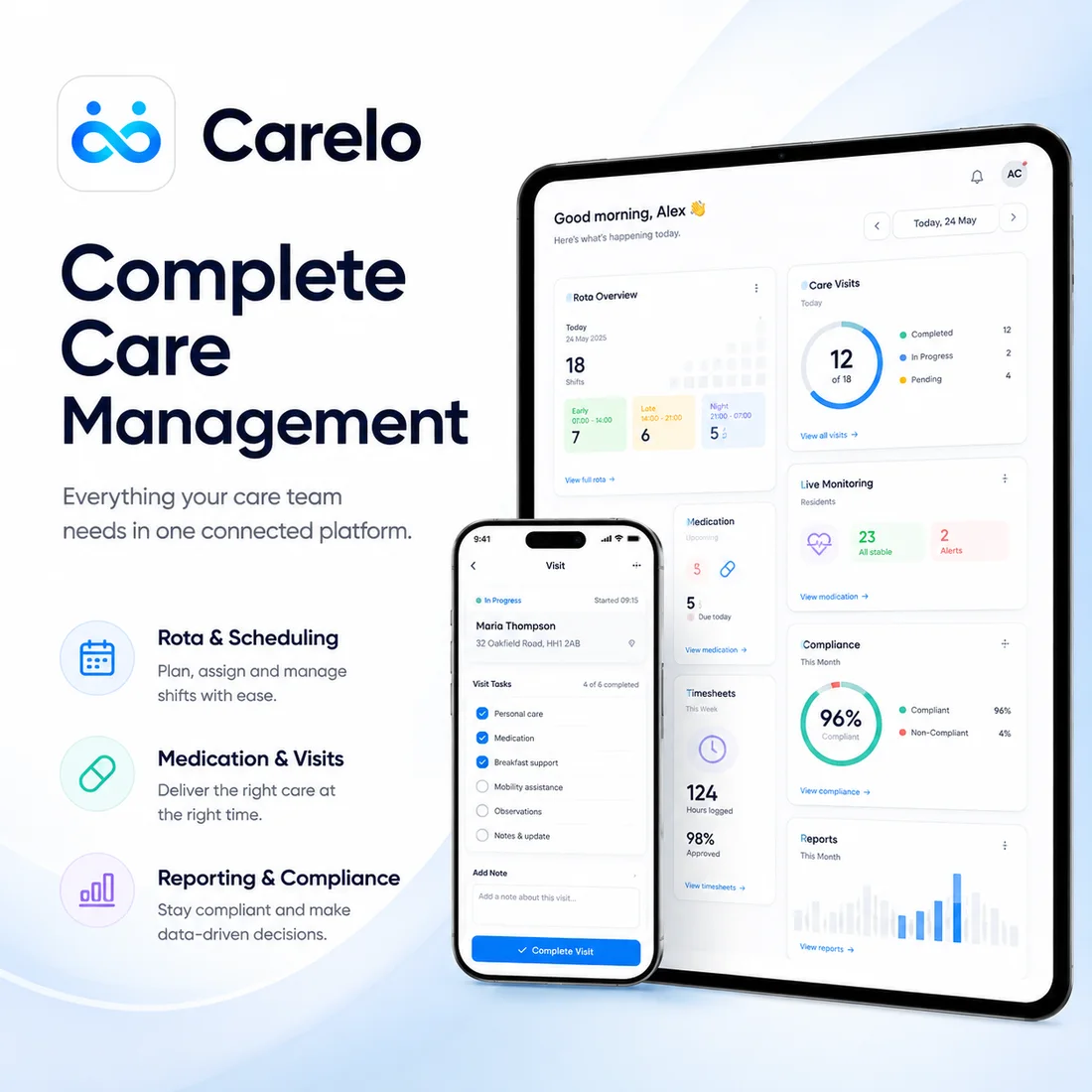
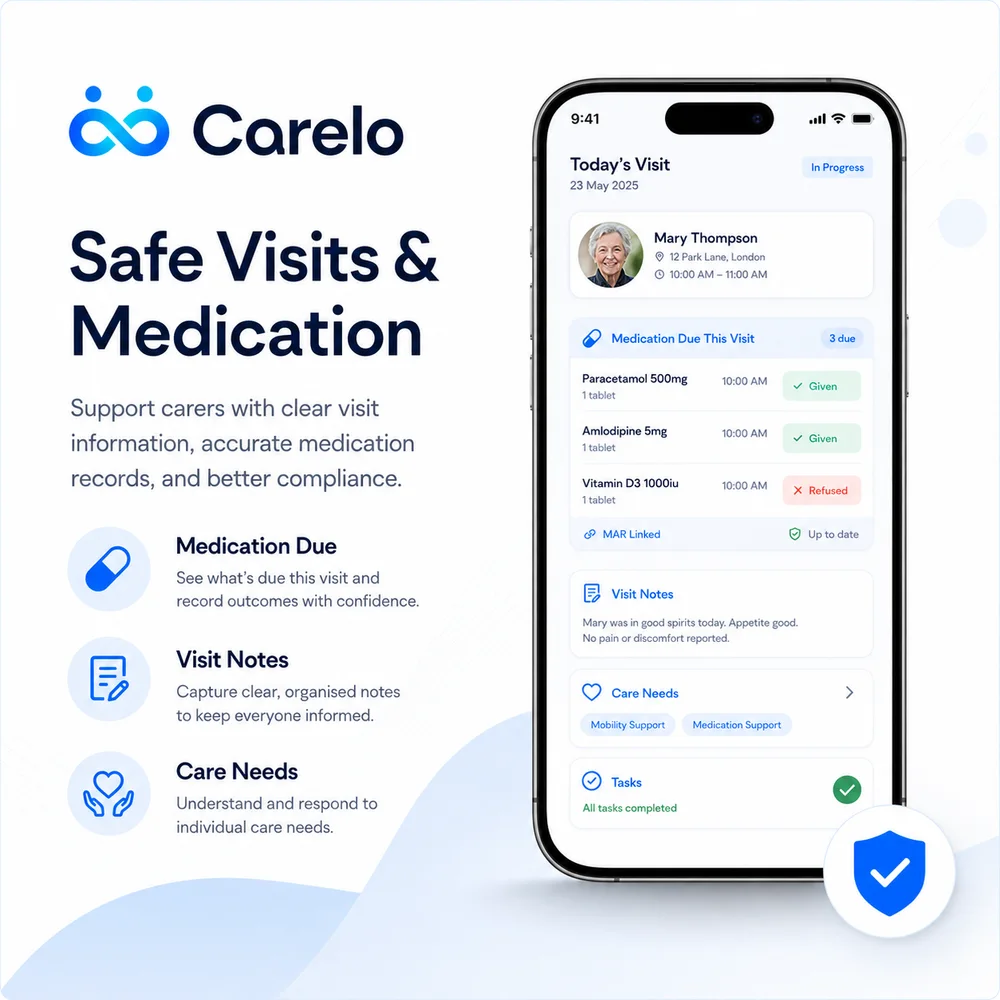
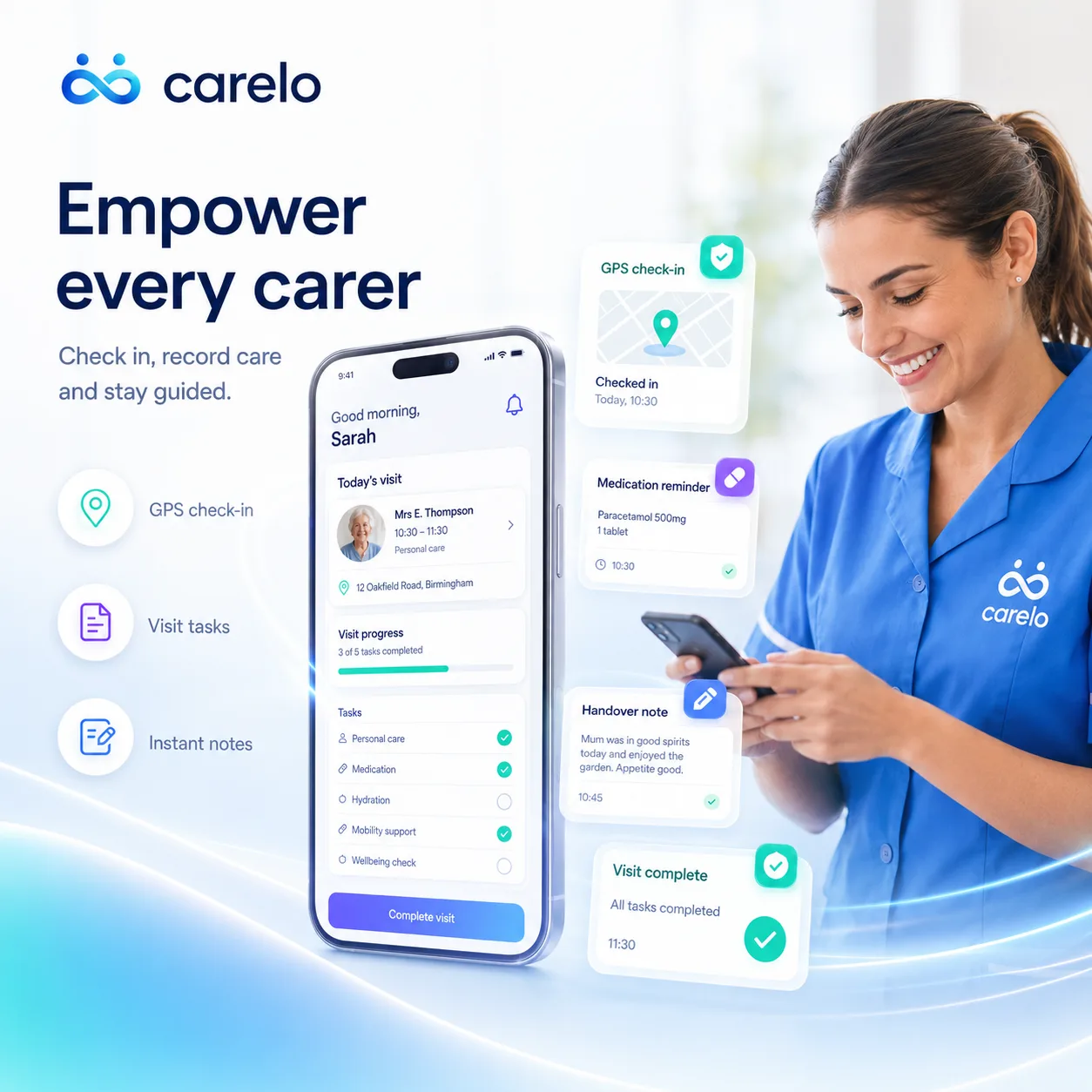
Today's calls in order, with everything needed at each door: tasks, access notes, keysafe, risks, medication due. Check in with GPS at the doorstep, deliver care, record it, hand over to the next carer — all in one flow.
GPS check-in and check-out — proof without paperwork
Tasks, needs, risks and contacts on every call
Medication recorded as given, refused or missed — with the time
Case notes and handovers written at the door, not remembered later
The Office In Your Pocket — Without The Phone Calls
Rosters arrive by themselves. Holiday requests, availability and sickness go straight to the office from the app. When the office writes on one of your calls — an instruction, a handover, an acknowledgement — it's on your Today screen the moment you open it.
Your week's roster, always current — changes appear instantly
Holidays, availability and off-sick reported in seconds
Office instructions lead the call screen — never missed
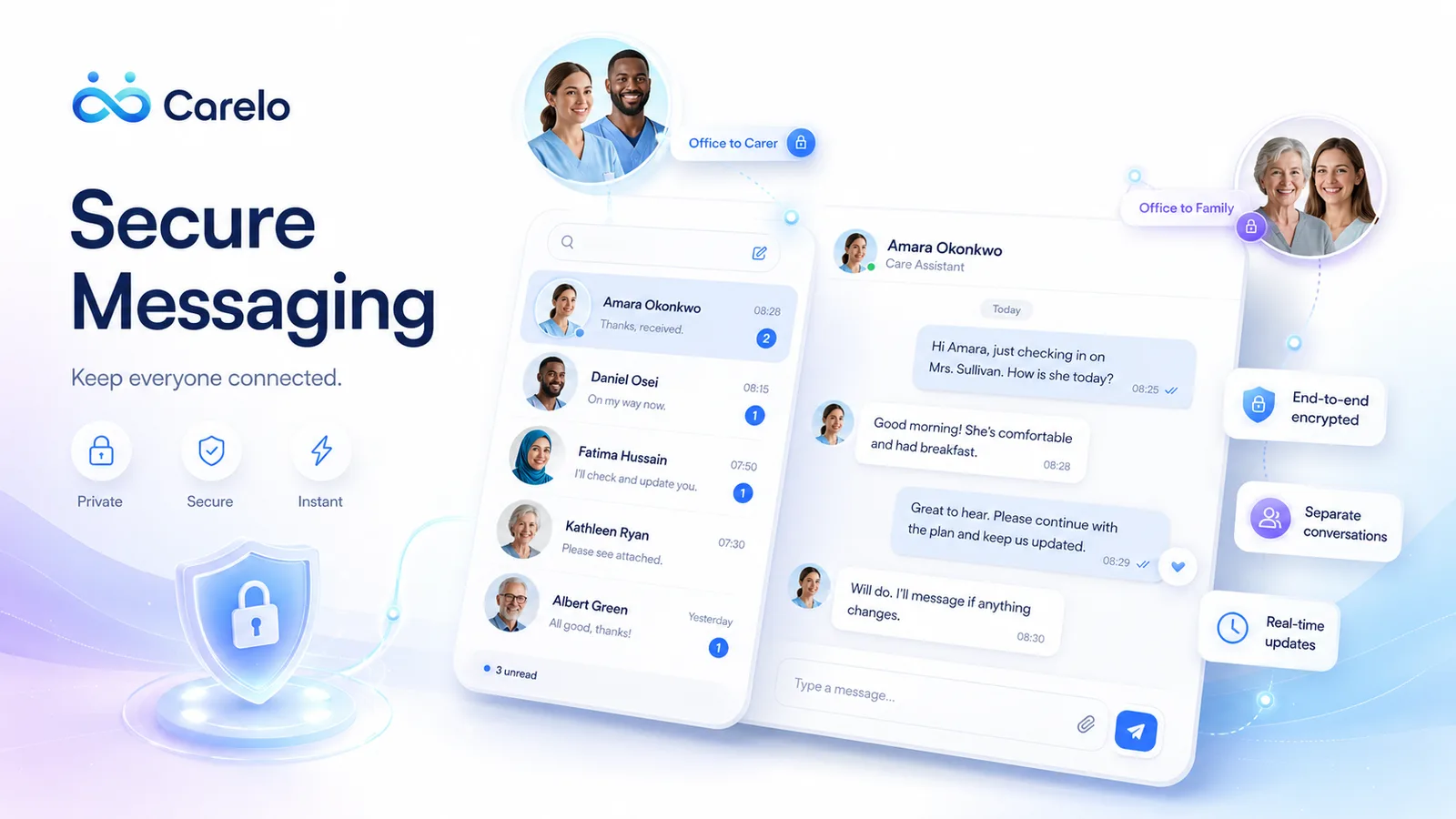
Messages with the office, presence and read-states included
Handover That Actually Hands Over
A note for the next carer doesn't sit in a folder — it appears on the next carer's screen before their call, headed "from the last call". Incidents are reported from the scene with the app asking the right questions, word for word onto the office record.
Handover notes surface on the next call automatically
Incident reporting with guided questions and follow-ups
Timesheet view — carers see their own verified hours
Everything A Carer Needs, Nothing They Don't
GPS check-in and out
Arrival and departure stamped at the doorstep with location — the visit record is evidence, not memory.
Medication at the right time
Only what is due this call sits at the top — given or refused, with the amount and time straight onto the MAR.
Case notes at the door
Tick the care given, add the note, done — written while it is fresh, not at the end of a long shift.
Body map reporting
Tap the body, open a close-up, mark the exact spot. Skin concerns are raised the moment they are seen.
Incident reporting
Falls, refusals and concerns reported from the scene, reaching the office immediately with the facts intact.
Rota and travel time
Today and the week ahead, with the gap and travel to the next call so the day is realistic.
Timesheets that agree
Booked, completed, missed and cancelled hours — the same figures the office pays from.
Holidays and availability
Request leave, see the team calendar and set the weekly pattern without a call to the office.
Sickness with SSP guidance
Report time off sick, attach a fit note, and see plainly how UK statutory sick pay applies.
Office messages
Every message in one audited place — nothing important living in a personal WhatsApp thread.
Progress and recognition
An open score on the same scale for everyone, with Carer of the Week, Month and Year earned by the record.
Setup code and private PIN
The device is authorised once by the office, then unlocked by a six-digit PIN — no shared passwords.
Download The Carelo Carer App
Your office issues a one-time setup code; you then choose your own six-digit PIN. Works on iPhone and Android.
The Family App — The Reassurance Of Seeing It Happen
The same app, a different door · included in every plan, never an upsell
1 / 10
What A Family Sees Every Day
Ten screens from the family app. Tap any line — or let it play.
Reassurance, Live
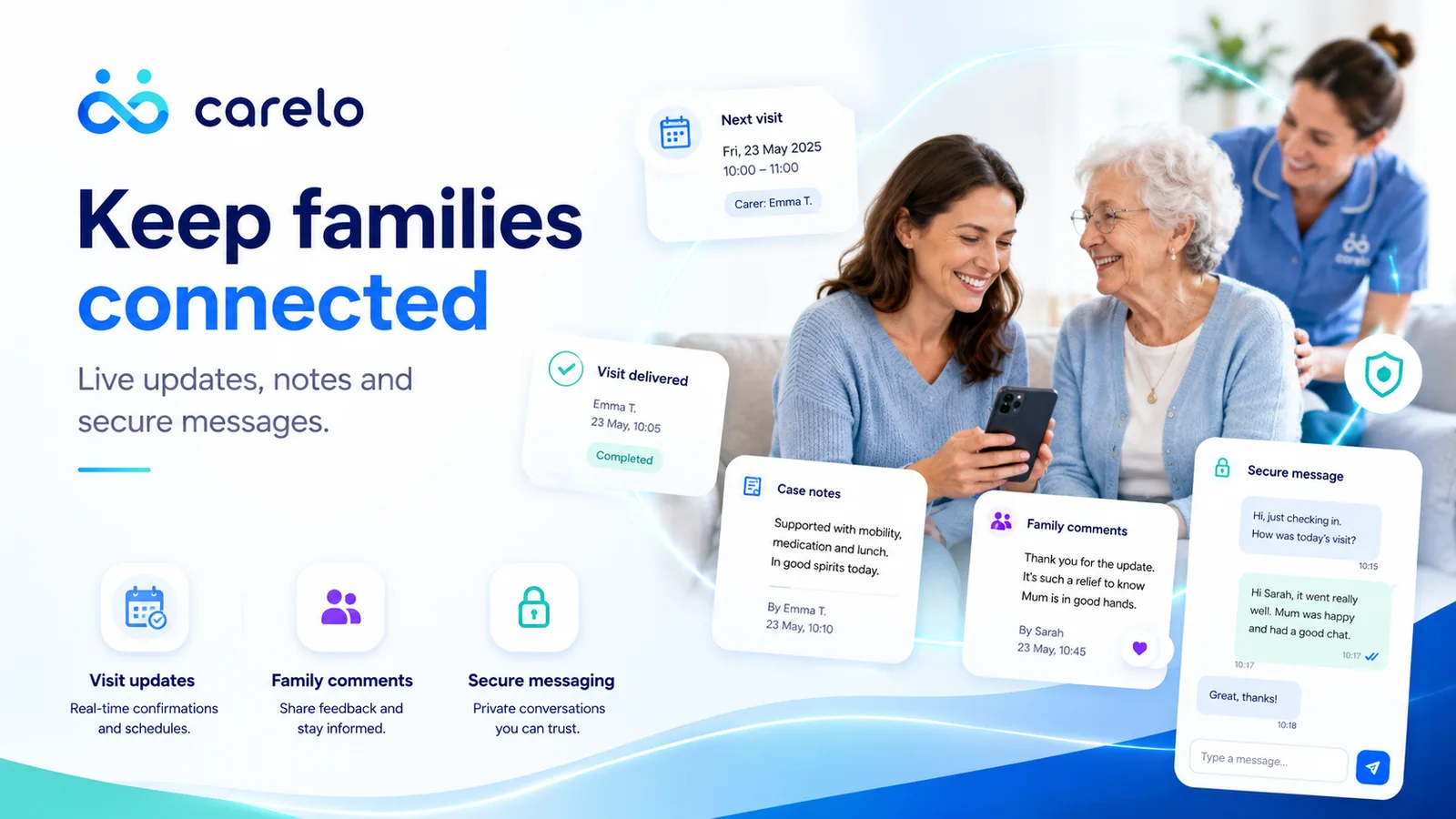
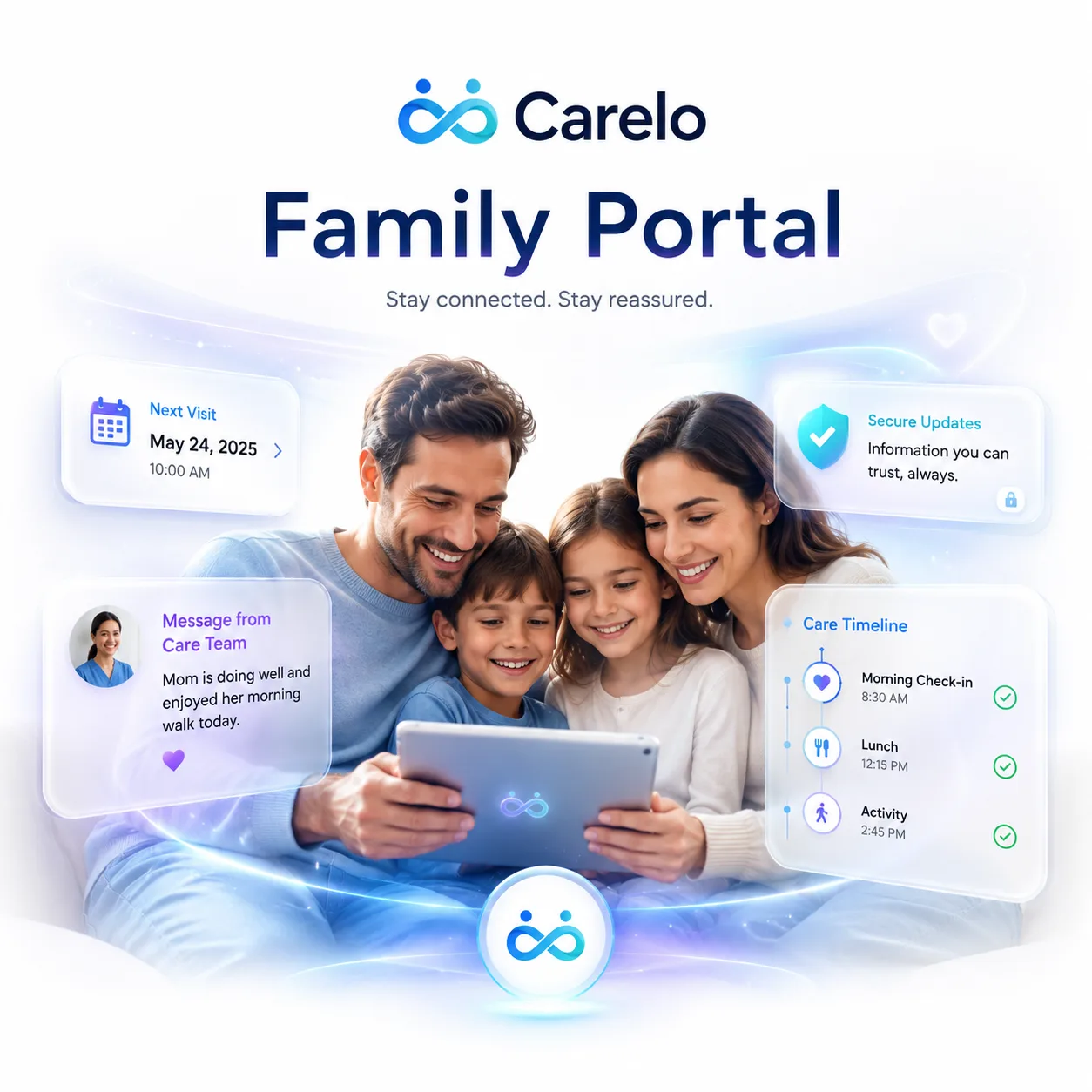
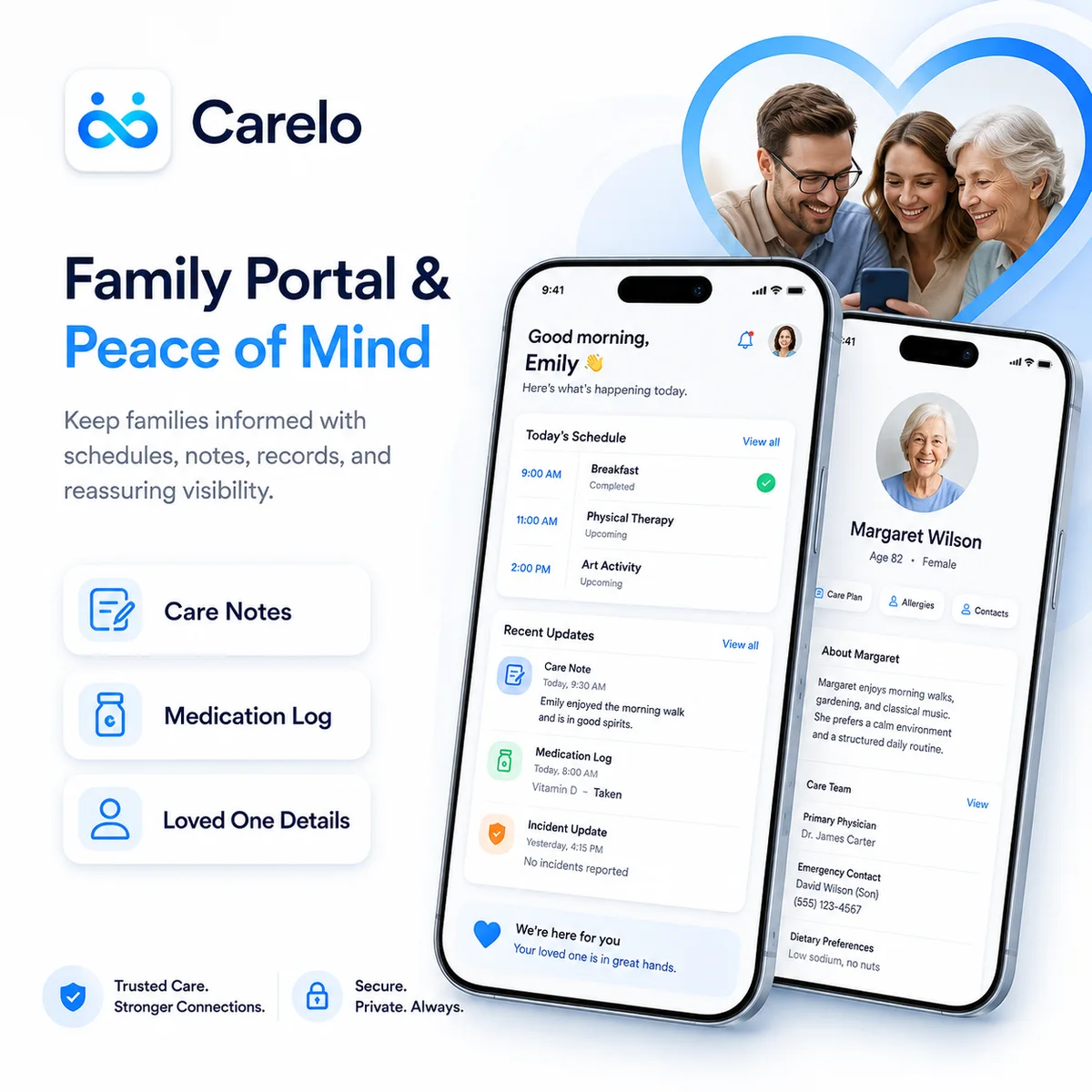
The next visit, the last visit, and everything in between. When the carer checks out and writes "ate well, in good spirits", the family reads it minutes later — instead of ringing your office at five o'clock.
Schedule and delivered visits, live
Care notes shared as they're written
Comments on visits — the family's voice on the record
Secure messaging with the office — one audited channel
Boundaried By Design
Families see their own person only — never other clients, never company lists. Messages go family-to-office, so every conversation about care happens in one place your team can stand behind. It's the safeguarding-clean way to include families.
Each family sees exactly one person's care
All messaging flows through the office — always audited
Logins created by you, revoked by you
Included in every plan — never an upsell
Everything A Family Wants To Know, Safely Shared
Who is coming, and when
The day laid out with each carer named and their arrival time — nobody is a stranger at the door.
Visits as they happen
Delivered calls appear with real in and out times, so families can see the care actually took place.
Every visit note
What the carer wrote after each call, with the care given listed — mood, meals, fluids and how the day went.
Comment on a note
Reply to anything you read. The office sees it, so a small worry is answered before it grows.
Medication log
Every medicine recorded at a visit — what was given, at what time and by whom, newest first.
Incident reports
Anything recorded is shown plainly and promptly, rather than surfacing days later in a phone call.
Body map reports
Skin concerns explained in words families understand, with what the care team is doing about each one.
Review a carer
A few simple questions after a visit — punctuality, dignity, communication — feeding straight into quality.
Raise a concern
A clear, categorised complaint route with a tracked response, instead of an awkward conversation at the door.
The full care profile
Care needs, risks, medication, GP, pharmacy and next of kin — confirmation that carers hold the right information.
Message the office
One audited thread with the care team, so questions and answers stay in the record where they belong.
Only their person
A family login shows one service user and nothing else, protected by the same PIN security as the carer app.
Download The Carelo Family App
Ask the care office to invite you; you will receive a setup code, then choose your own six-digit PIN. Free for families of anyone receiving care through Carelo.
The office plans the care, the carer delivers and records it, the family follows it. Nothing is entered twice — the same entry, with the same name and time against it, is what the manager reviews, what the family reads, and what an inspector is shown.
The office console, the carer app and the family app share one database
Every entry carries who wrote it, and when
Inspection-ready exports built from the same record

 iPhone
 Android